





How an Ecommerce Business Made Product Discovery Easier with an AI Chatbot
Blog Detail

Last Updated on
Think about the last time you went looking for something on a website and couldn’t find it. You probably knew roughly what you wanted but not what the retailer called it, so you tried a couple of searches and gave up. Your customers go through the same thing, and each time it happens, you lose a sale without knowing it.
We saw this up close while working on AI chatbot development for a UK timber merchant that sells a wide range of products online, from hardwood and doors to skirting and stair parts. Here’s what we learned, and how it can help your own customers.
Quick answer
An AI chatbot helps customers find products on your website by letting them ask in their own words, for example, “Show me products between £100 and £200”, instead of guessing exact product names or using filters. When you pair it with a search bar that shows results as people type, and track the searches that find nothing, customers find what they need more easily, and you can see what’s missing from your site.
Why do customers struggle to find products online?
Most search boxes only work well when customers type the exact words in the product name. Most people don’t search like that. They often start with a budget or describe the product in their own words.
For example, one of chilliapple’s clients was selling products with names such as “22x100mm Redwood T&G Loglap”. Few customers will type that exact phrase into a search box. They’re more likely to search for something like “redwood cladding under £500” or simply “redwood loglap”.
The problem is that businesses may never know when a customer can’t find something. If a search shows no results, the customer may simply leave. AI automation can help here. It records these failed searches, so you can see what customers want and add what’s missing.
How can an AI chatbot help customers find products?
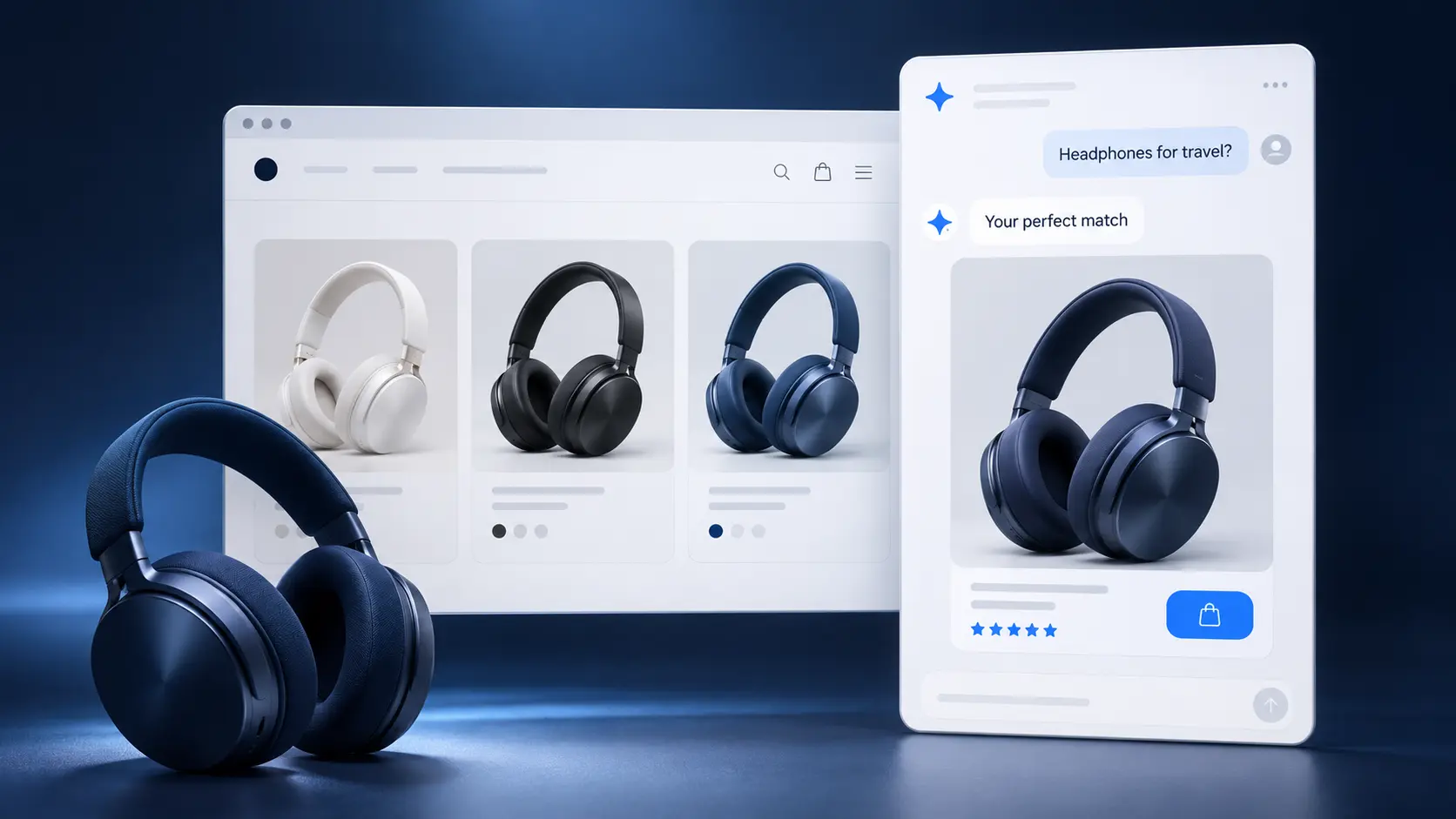
A chatbot lets customers ask for what they want in their own words. On our client’s website, a shopper can type something like “Show me products between £100 and 200”. The chatbot then replies with matching products from the website. There’s no need to work through filters.
Good AI chatbot development also fixes the small things that frustrate shoppers. On this project, we focused on two details:
- The conversation stays open when a shopper clicks through to a recommended product, so they can still see the other suggestions on the next page.
- When a shopper closes the chat, the system emails a copy of the conversation to the business. The team can then follow up if needed.
What makes website search easier to use?
Some people would rather type a few words than ask a question, so your chatbot should sit alongside a good search bar. On our client’s website, matching products such as CLS studding timber start to appear while the shopper is still typing, along with related categories and popular searches.
It’s also worth planning for the moments when a search finds nothing. Instead of an empty page, the search can suggest other words to try or show related products.

Why should you track what customers search for?
Every search on your website is a customer telling you, in their own words, what they want. When you keep track of those searches, you start to see patterns, like the products people look for most and the words they use to describe them. With AI automation, your system records all of this for you, so nobody has to collect it by hand.
The searches that find nothing are often the most useful. They might point to a product you don’t stock, or to a product name that doesn’t match the words your customers use. Once you see these gaps, you can fix them by renaming a product or adding the missing information.
What should you check before adding a chatbot to your website?
A few simple checks will save trouble on any AI chatbot development project:
- Connect it to the right information. Make sure it can read your products and key pages.
- Teach it your customers’ words. Tell the system which words mean the same thing, so it understands how people actually search.
- Test it like a real shopper. Click through to products, go back and change your mind. Small problems, like a conversation disappearing when someone moves to a new page, often only show up this way.
- Keep control. Make sure your team can switch the chatbot off and set limits on how people use it.
Helping customers find what they need
Helping people find products often means removing small obstacles, like an empty search page or a lost conversation. When customers can ask in their own words, and you can see what they search for, your website becomes easier to use.
At chilliapple, we help businesses explore practical AI solutions that improve customer experiences and simplify online shopping. If you’re wondering whether AI automation could help your customers navigate your store, we’d be happy to talk it through. We’ll start by looking at how your customers shop today.
Frequently asked questions
Can a chatbot help my ecommerce site sell more?
It can, mainly because it helps people find what they’re after. When someone can type “oak door under £200” and see a handful of good matches, they’re much less likely to give up and go elsewhere. A chatbot also shows you the searches that came up empty, so you know what’s missing from your site.
Will a chatbot improve my conversion rate?
It might, but you’ll only know for sure by measuring it. Your conversion rate is the share of visitors who go on to buy something. Make a note of yours before the chatbot goes live, then check it again a few months later.
What return on investment (ROI) can I expect from a chatbot?
There isn’t a standard figure, because every retailer is different. Your return depends on what you sell and how well the chatbot knows your products. We’d suggest setting a few clear goals at the start, so you’ve got something to measure against.
Can customers search by price using a chatbot?
Yes, as long as the chatbot can read your product details. A customer could type “show me something between £100 and £200” and get a list of matching products, without having to use filters.
Do I still need a search bar if I have a chatbot?
Yes, it’s worth keeping both. Some people like to ask a question, but plenty of others just want to type a couple of words and scan the results.